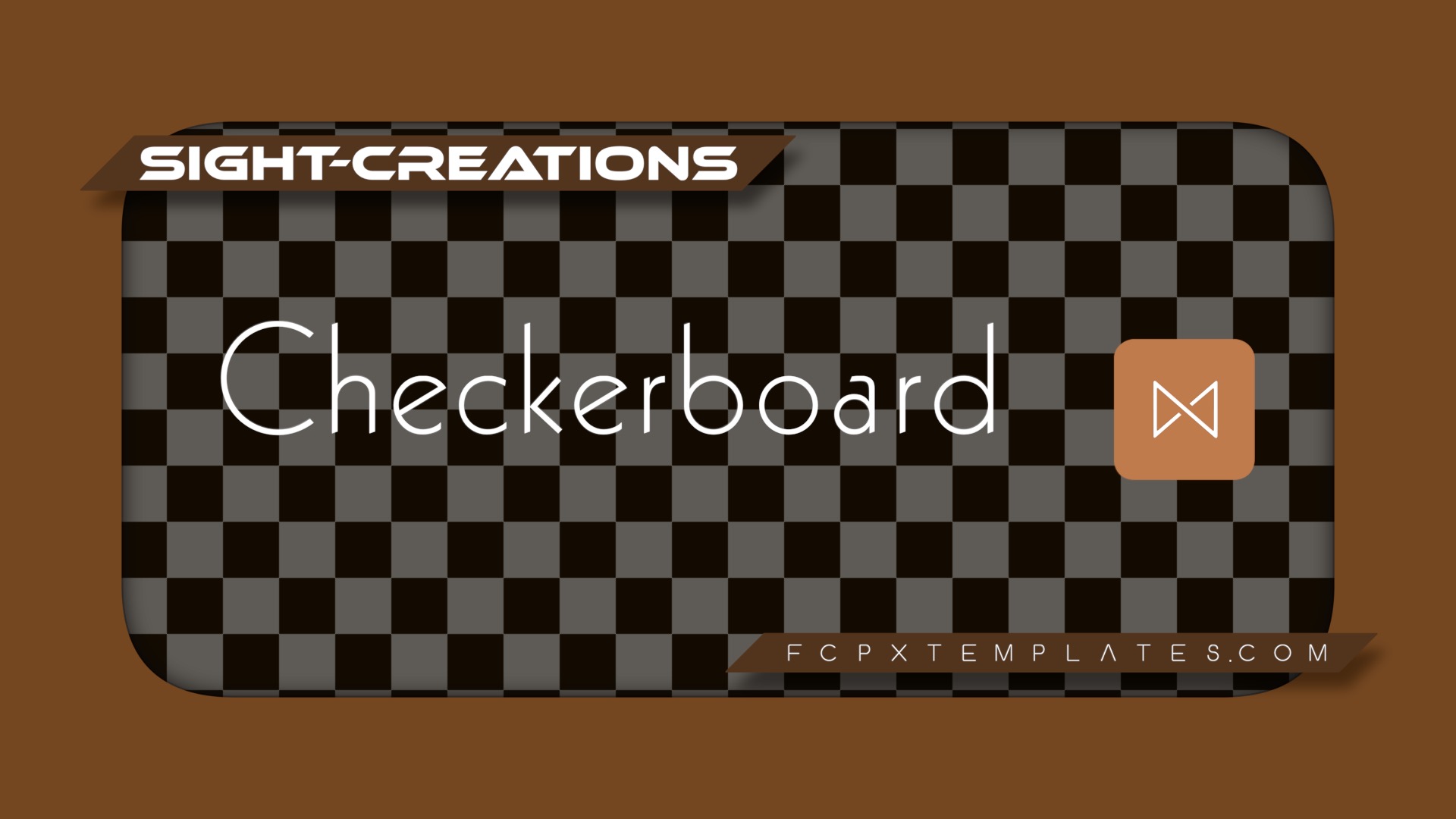

Checkerboard Transtion — and customize for so much more
Designed as a simple checkerboard, this transition is capable of thousands of variations!
Built from four individual “blocks” (square/rectangle shapes) and animated in four separately available directions and duplicated across the entire screen makes for a fascinating and interesting variation for transitions. Built in Rotational ability (with easing) expands the possibilities even further. Please see the video below for examples.
Parameters
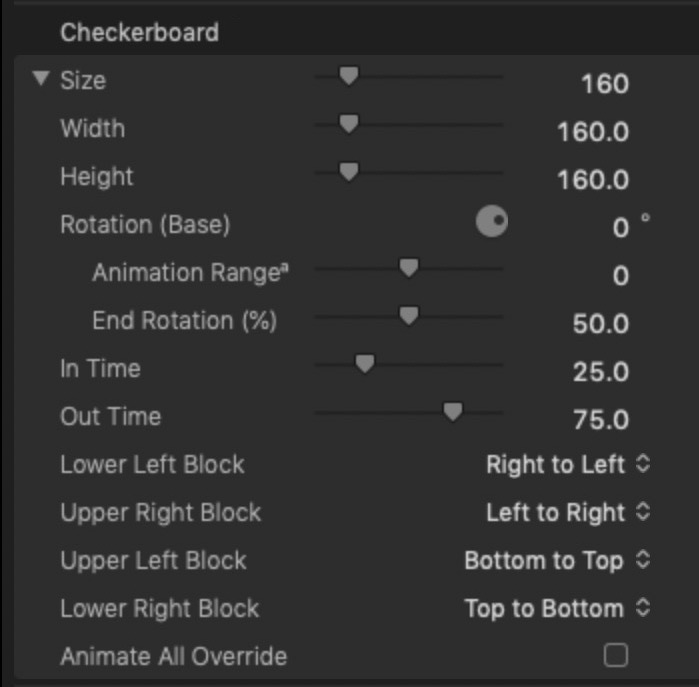
Size (Width/Height) controls the size of the “blocks” (or squares/rectangles). Width and Height can be controlled separately.
Rotation (Base) is the rotation of the checkerboard design.
Animation Rangeº allows you to set up a Rotation of Range degrees that will end at the Rotation Base value.
End Rotation (%) is a timing control. The value is in % of length of Transition, a relative timing.
In Time is the length of time for the first half of the animation. Setting this value to 0 will immediately start the transition with the “in” set of shapes. Setting this value to 100 will have the in set of shapes animate for the entire duration of the transition.
Out Time. A relative timing like In Time. Setting this value to 0 will have the “out” set of shapes animate for the entire duration of the Transition. Setting this value to 0 will leave the out set completely on when the transition ends.
The Lower Left Block and Upper Right Block are the “in set” shapes. Use these drop down menus to set how they animate their “fills”.
The Upper Left Block and Lower Right Block are the “out set” shapes. Use the menus to set how these will animate their fills.
Animate All Override — this *feature* will set all blocks to animate their fills from all sides simultaneously.
Checkerboard Demo
Keep up to date with Sight-Creations on Twitter.
A good place to see all of my effects as well as several tutorials and other demonstrations in use is on my YouTube channel.